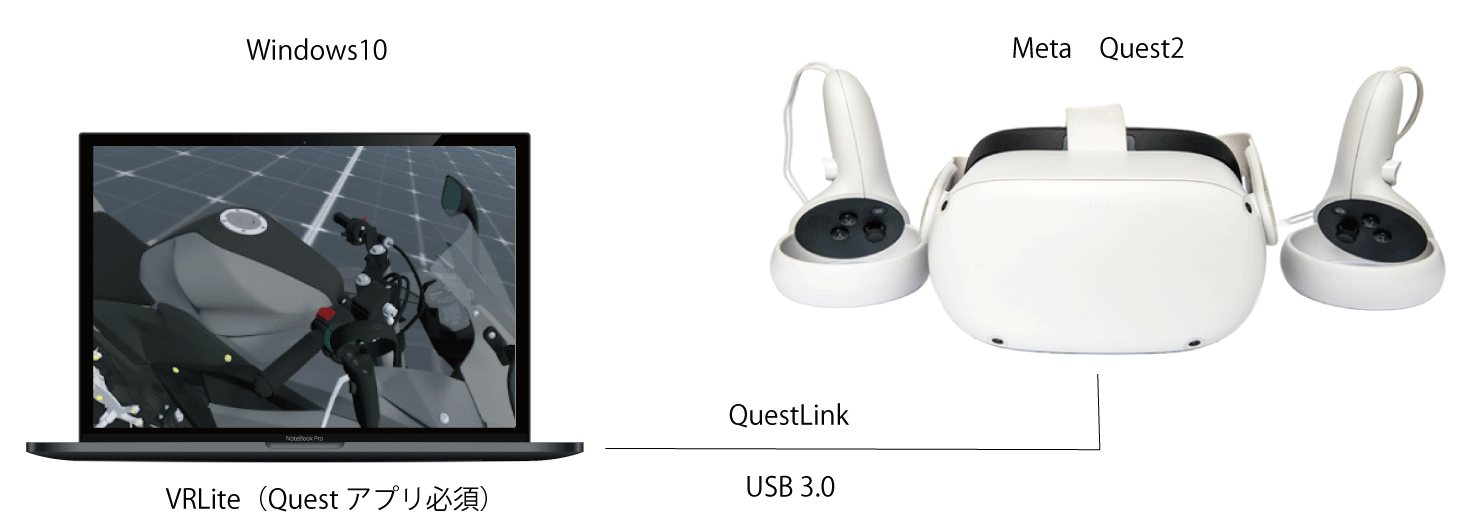
No Special Editing Needed! A simple VR application that lets you display 3D CAD data directly in a VR space.
By bringing your models into VR, you can instantly and intuitively grasp shapes, proportions, and scale.
VRLite for Design Review
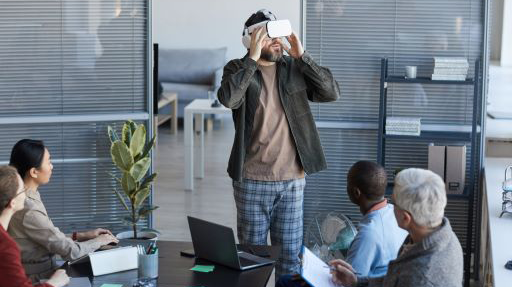
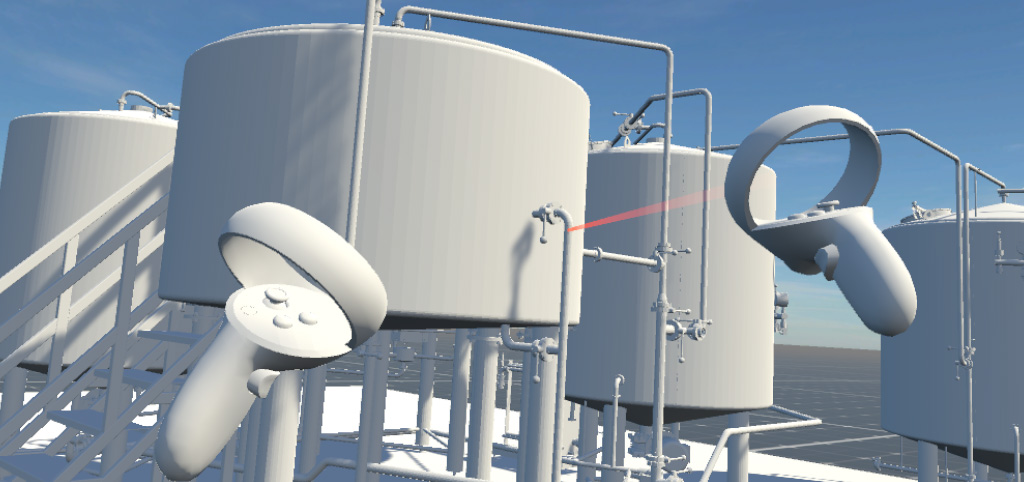
By displaying 3D CAD data in VRLite during design reviews, you can identify issues that are often overlooked on a flat display, helping to improve design quality. It also allows you to check whether tasks require awkward or unsafe postures, and to anticipate potential danger points in advance—making it highly effective for maintenance and inspection planning.
VRLite for Verification
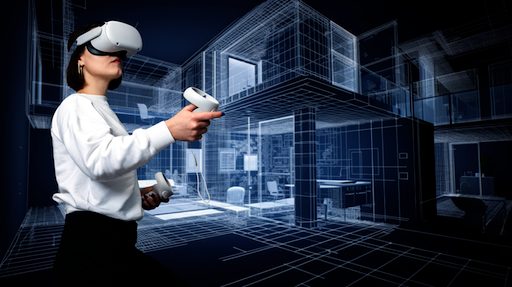
In workspace simulations, displaying 3D CAD models in VRLite allows designers, architects, contractors, and clients from diverse fields to share and review workflows and work environments at full scale. This makes it possible to ergonomically verify whether workers might be forced into awkward postures or excessive physical strain, helping to create workplaces that combine comfort, safety, and efficiency. It can also be used to deliver immersive presentations.
VRLite for Exhibitions
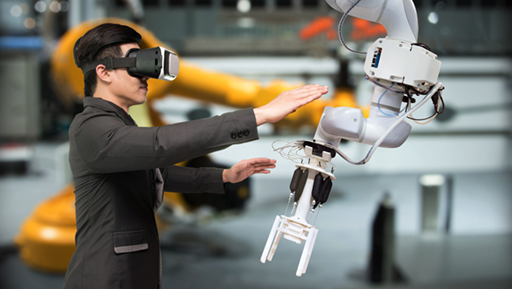
With the easy-to-use VRLite, you can present large equipment or structures that cannot be physically brought into the venue—effortlessly and convincingly. And since it works offline, you can also run demos conveniently at client sites or during business trips.
VRLite for Education
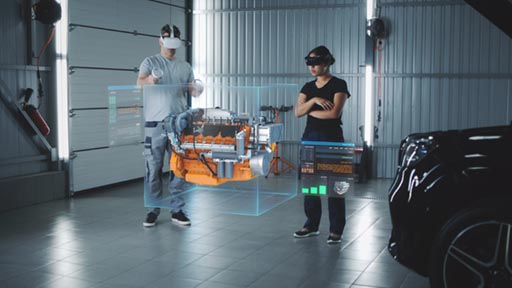
With VRLite, internship students and young professionals can experience data firsthand, enabling effective skill transfer and training. In addition, by displaying 3D-scanned data, maintenance procedures can be reviewed without the need to visit the actual site—making education and on-site preparation more efficient and accessible.
VRLite helps you grasp shape and scale intuitively, align on a shared vision, and cut down on rework.
Intuitively grasp shapes and scale
There are many things that CAD numbers alone cannot reveal—such as the width of a passage, overhead clearance, or the complexity of winding pipes.
Even in spatial design, functionality and usability cannot always be understood from drawings alone.
By using VRLite to display models in a VR environment, you can intuitively grasp shapes, dimensions, and usability.
Visual Alignment
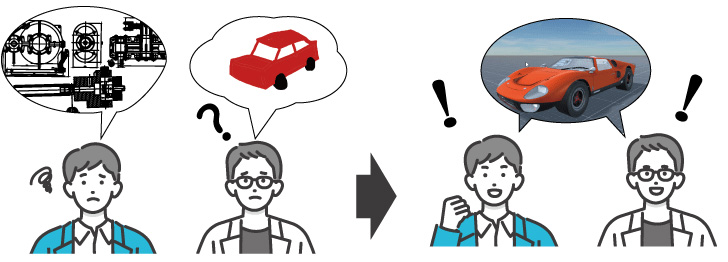
When a physical object is available, explanations are simple. But with CAD drawings alone, intentions are not always fully conveyed.
There are also limits to how much expert knowledge and experience can be passed on through words alone.
By displaying 3D CAD data in VRLite, it becomes possible to share a common vision and understanding.
One effective way to enhance this shared understanding is through annotations.
Reduce Rework
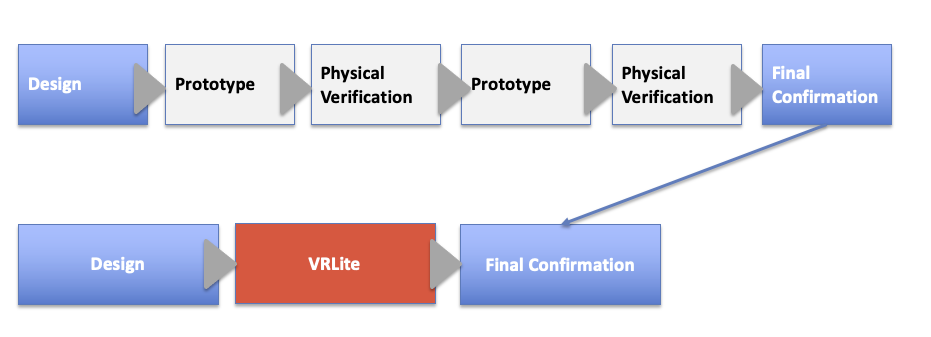
If problems are discovered after completion, you may have to start all over again.
By using VRLite, you can reduce the number of physical mockups needed and conduct design reviews that identify challenges and issues from multiple perspectives.